Cloudflare Cron vs GitHub Actions vs Vercel Cron: Free Tier Limits & Use Cases
Compare Cloudflare Cron, GitHub Actions, and Vercel Cron on their free-tier limits, scheduling frequency, execution constraints, reliability, and real-world use cases. Learn which free cron solution is best for background jobs, API polling, automation, and scheduled tasks.

Quantalog
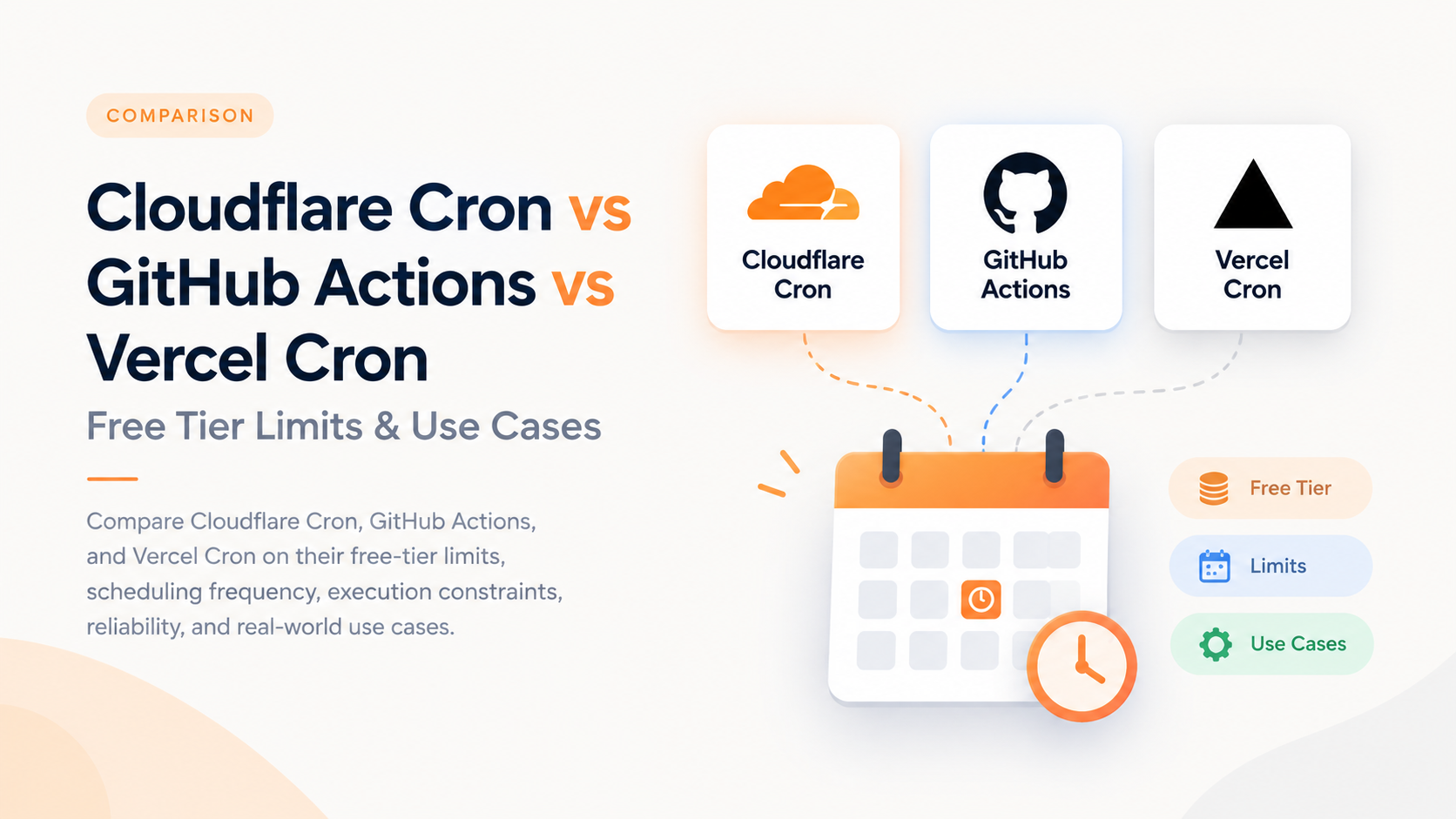
Three free ways to schedule backend work — but they are built for very different jobs. Here is how their free tiers compare, where each one fits, and what we would actually choose for a production scheduler.
Updated September 9, 2026 · 8 min read
The short version: Use Cloudflare Cron for frequent lightweight backend jobs, GitHub Actions for repository automation and scripts, and Vercel Cron when a simple daily task already lives inside a Vercel application.
At a glance
The biggest mistake is comparing these services only by
Engineering Guide
Cloudflare Cron vs GitHub Actions vs Vercel Cron: Free Tier Limits & Use Cases
Compare Cloudflare Cron, GitHub Actions, and Vercel Cron on their free-tier limits, scheduling frequency, execution constraints, reliability, and real-world use cases.
Updated September 9, 2026 · 8 min read
Quick answer: Use Cloudflare Cron for frequent lightweight backend jobs, GitHub Actions for repository automation and scripts, and Vercel Cron for simple daily jobs that already live inside a Vercel application.
Cloudflare Cron vs GitHub Actions vs Vercel Cron
All three platforms can run scheduled tasks, but they are designed for different kinds of workloads. Cloudflare Cron Triggers are lightweight serverless triggers, GitHub Actions provides a complete automation runner, and Vercel Cron calls an endpoint in your Vercel application.
Free-tier comparison
Feature | Cloudflare Cron | GitHub Actions | Vercel Cron |
|---|---|---|---|
Free option | Yes | Yes | Yes |
Frequent scheduling | Yes | 5-minute minimum | Once per day on Hobby |
Free-tier limit | 5 Cron Triggers/account | 2,000 Actions minutes/month for GitHub Free private-repo usage; public standard runners are free | 100 Cron Jobs/project |
Execution model | Worker | Hosted runner / workflow | HTTP request to a Function |
Best suited for | Backend scheduling | Scripts, CI/CD and automation | Simple scheduled app jobs |
Timezone | UTC | UTC by default; timezone support available | UTC |
Automatic retry | Build your own | Configure workflow/job behavior | No automatic Cron retry |
Cloudflare Cron Triggers
Cloudflare Cron Triggers connect a cron expression to a Cloudflare Worker. When the schedule fires, Cloudflare invokes the Worker's scheduled() handler. This makes it a strong option for lightweight backend jobs that need to run regularly without keeping a server running.
Free-tier limits
- 5 Cron Triggers per account on Workers Free.
- 100,000 Worker requests per day on the Free plan.
- 10 ms CPU time per invocation on Free.
- Up to 15 minutes wall time for an invocation.
- Free Workers allow up to 50 subrequests per invocation.
Best use cases
- Check a database for due jobs every few minutes.
- Refresh cached API data.
- Trigger notifications and webhooks.
- Run lightweight cleanup and maintenance tasks.
- Start a larger background process through an API.
export default {
  async scheduled(event, env, ctx) {
    await fetch("https://api.example.com/process-due-jobs", {
      method: "POST",
      headers: {
        Authorization: `Bearer ${env.CRON_SECRET}`
      }
    });
  }
};
Important: CPU time and wall-clock time are different. A Worker can spend time waiting on network requests without using the same amount of CPU time. For this reason, lightweight API-triggering jobs can be a good fit even when they wait on external services.
GitHub Actions scheduled workflows
GitHub Actions is more than a cron service. It provides a complete runner environment, which means a scheduled workflow can install packages, execute Node or Python scripts, run tests, build applications, generate reports, and work with repository files.
Free-tier limits
- Standard GitHub-hosted runner usage is free for public repositories.
- GitHub Free provides 2,000 Actions minutes per month for applicable private-repository usage.
- Scheduled workflows support a 5-minute minimum interval.
- Scheduled workflows run from the repository's default branch.
Best use cases
- Run scheduled Node.js or Python scripts.
- Generate daily reports and artifacts.
- Run scheduled tests and maintenance scripts.
- Build and publish static content.
- Automate repository and CI/CD tasks.
name: Generate report

on:
  schedule:
    - cron: "0 3 * * *"

jobs:
  report:
    runs-on: ubuntu-latest
    steps:
      - uses: actions/checkout@v4
      - run: npm ci
      - run: npm run generate-report
Important: GitHub Actions schedules are not hard real-time timers. Scheduled workflows can be delayed during periods of high load. Public repositories with no repository activity can also have scheduled workflows automatically disabled.
Vercel Cron Jobs
Vercel Cron is particularly convenient when your application is already deployed on Vercel. Vercel sends an HTTP request to the configured production route according to the cron expression.
Free-tier limits
- Up to 100 Cron Jobs per project.
- The Hobby plan is restricted to once per day.
- Hobby Cron execution can occur at any point within the scheduled hour.
- Cron schedules use UTC.
- Vercel does not automatically retry a failed Cron invocation.
Best use cases
- Daily database cleanup.
- Daily report generation.
- Daily cache refreshes.
- Daily notification jobs.
- Simple scheduled API calls inside a Vercel application.
{
  "$schema": "https://openapi.vercel.sh/vercel.json",
  "crons": [
    {
      "path": "/api/daily-report",
      "schedule": "0 5 * * *"
    }
  ]
}
The limitation to remember: Vercel Hobby is not a good fit when you need to check for work every 5 or 10 minutes. Native Hobby Cron is limited to once per day.
Which one should you choose?
Requirement | Recommended | Why |
|---|---|---|
Process due jobs every 5–15 minutes | Cloudflare Cron | Designed for lightweight and frequent backend triggers. |
Run a Python or Node report every night | GitHub Actions | A complete runner makes scripts and artifacts easy. |
Daily database cleanup | Vercel or Cloudflare | Both are simple for a once-a-day backend task. |
Scheduled build/test/deploy | GitHub Actions | CI/CD is one of its primary strengths. |
Refresh API data every 10 minutes | Cloudflare Cron | Better fit than Vercel Hobby's daily restriction. |
One simple daily endpoint in a Vercel app | Vercel Cron | Minimal additional infrastructure. |
A practical architecture for a scheduler
If you are building a social-post scheduler, notification system, report generator, or another queue-based application, the cron service should usually act as the trigger rather than the entire job processor.
Scheduler
   │
   ▼
/api/process-due-jobs
   │
   ├── Find due jobs
   ├── Acquire a lock
   ├── Process the job
   ├── Store success/failure
   └── Retry safely
This approach keeps your business logic independent from the scheduler. You can start with Vercel or Cloudflare and switch later without redesigning your whole queue.
Reliability considerations
- Idempotency: Make sure a repeated invocation cannot create duplicate work.
- Job locking: Prevent two scheduler invocations from processing the same record.
- Track execution time: Store scheduled time and actual execution time to measure delays.
- Retry safely: Separate temporary API errors from permanent failures.
- Monitor failures: Alert when jobs repeatedly fail.
- Keep cron lightweight: Trigger larger work instead of trying to process thousands of records in the scheduler itself.
Final recommendation
For frequent free backend scheduling, Cloudflare Cron is the strongest choice of these three.
If your requirement is “wake up every few minutes, find due jobs, and process them”, Cloudflare is the cleanest fit. Choose GitHub Actions when the work is primarily scripts, CI/CD, reports, or repository automation. Choose Vercel Cron when the task is simple, daily, and already belongs to a Vercel application.
Rule of thumb
- Cloudflare Cron → frequent backend scheduling and lightweight jobs.
- GitHub Actions → scripts, CI/CD, reports, and repository automation.
- Vercel Cron → simple daily jobs inside a Vercel project.
SourcesCloudflare Workers limits · Cloudflare Cron Triggers · GitHub Actions workflow syntax · GitHub Actions billing · Vercel Cron usage & pricing · Vercel Cron Jobs