Search Visibility: How to Track Google Rankings, Clicks, and SEO Opportunities
Learn how to measure search visibility, track Google clicks and rankings, identify SEO opportunities, and turn Search Console data into actionable insights with Quantalog.
Quantalog
11 min read
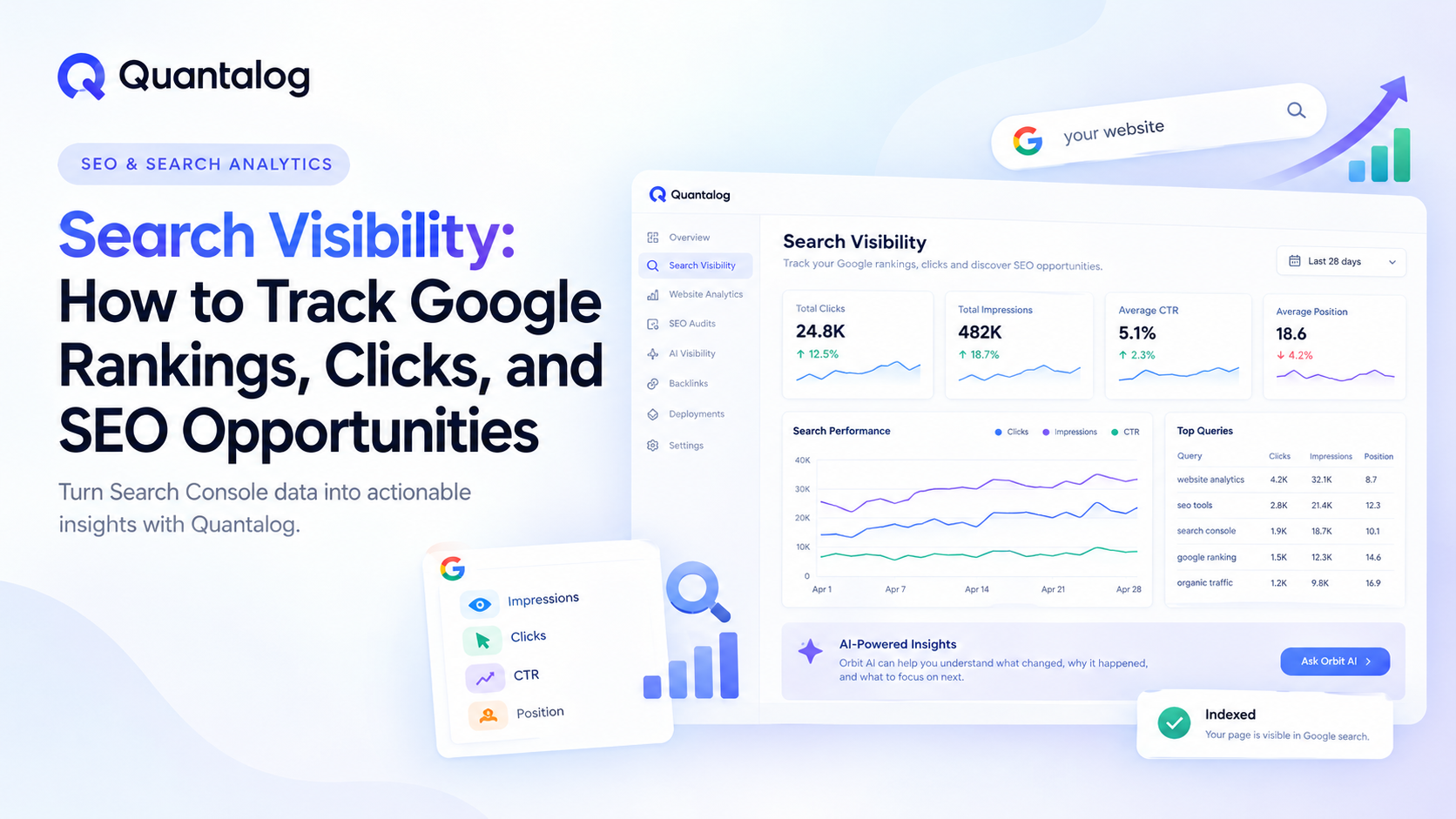
Your website can rank on Google, appear in thousands of search results, and still struggle to attract visitors. Sometimes your pages receive impressions but very few clicks. Other times, important keywords sit just outside the first page, or a previously successful page begins losing organic traffic.
Without understanding these patterns, improving SEO becomes a guessing game.
Search visibility helps you understand how your website performs in search results, what people search for before visiting, and which opportunities deserve your attention first.
With Google Search Console, you can access valuable data about your website's search performance. When that data is connected to your website analytics, you can go beyond rankings and understand how search visibility relates to actual visitor activity.
In this guide, we'll explore what search visibility means, which metrics matter, how to identify SEO opportunities, and how Quantalog helps bring search performance and website analytics together.
What Is Search Visibility?
Search visibility describes how prominently and frequently your website appears in search engine results for relevant queries.
It helps answer questions such as:
How often does my website appear in Google Search?
Which keywords are bringing people to my pages?
Which pages attract the most organic clicks?
Are my search rankings improving or declining?
Which pages have the greatest potential for SEO improvement?
Search visibility is not a single universal metric. It can be evaluated through impressions, clicks, click-through rate (CTR), average position, and other indicators of search performance.
For businesses, developers, SaaS companies, and website owners, these signals help reveal whether their content is reaching the right audience.
Why Search Visibility Matters for SEO
Publishing content is only one part of an SEO strategy. You also need to understand how that content performs after it becomes available to search engines.
Monitoring search visibility helps you identify opportunities and problems before they become harder to address.
1. Understand whether your content reaches the right audience
Impressions show how often your website appears in Google Search results. Reviewing impressions alongside queries and pages helps you understand which topics are gaining search exposure.
If a page receives impressions for relevant keywords but few clicks, its title, description, relevance, or position may deserve closer examination.
2. Identify keywords with growth potential
Some queries may already bring consistent traffic, while others have the potential to attract more visitors.
For example, a relevant query ranking around positions 11–20 may be worth investigating because the page is relatively close to the first page of search results.
This does not guarantee that a ranking improvement is achievable, but it provides a useful starting point for prioritizing content improvements.
3. Detect declining search performance
A drop in clicks may indicate changing search demand, lower rankings, reduced impressions, changes in search results, or technical problems.
Comparing performance across periods helps you identify which queries and pages contributed to the decline.
4. Connect SEO work with business outcomes
Higher search visibility is valuable, but it is not the final objective.
You also need to understand what happens after someone clicks your result. Do visitors explore other pages, sign up for your product, submit a form, or leave immediately?
Connecting search data with website analytics provides a more complete view of performance.
The Key Search Visibility Metrics You Should Track
Google Search Console provides several important metrics for understanding organic search performance.
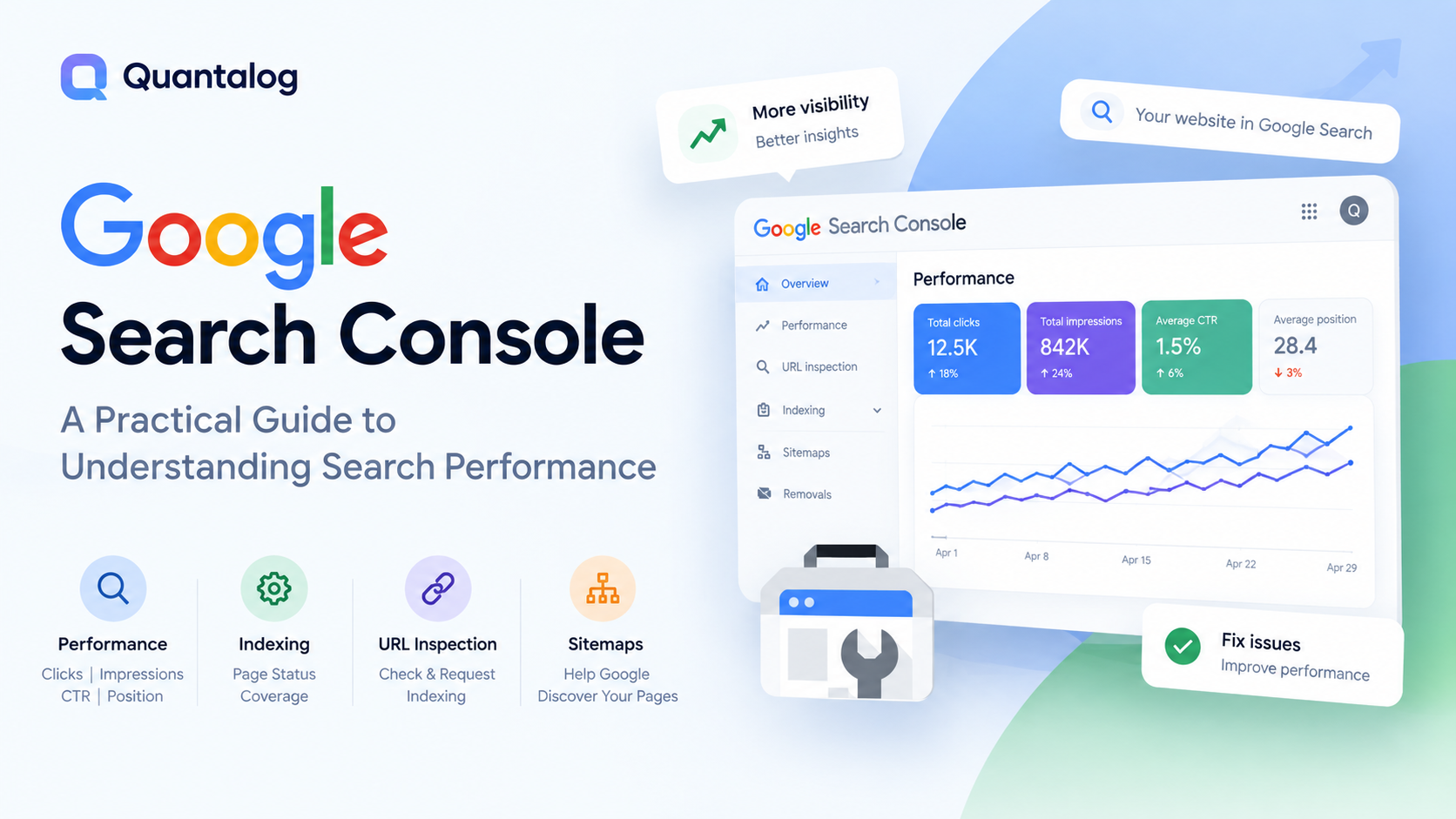
Impressions
An impression represents an instance in which your website appears in Google Search results under Google's reporting rules.
Impressions help you understand your search exposure. If impressions increase over time, your pages may be appearing for more queries or appearing more frequently for existing queries.
However, increasing impressions does not automatically mean your website is attracting more qualified visitors.
What to investigate: Which pages and queries are gaining impressions, and are those queries relevant to your audience?
Clicks
Clicks measure how often users click your website's results in Google Search.
This metric indicates how much direct traffic your search listings receive from Google.
If impressions remain stable while clicks decline, investigate changes in average position, CTR, query mix, and the search results appearing around your listings.
What to investigate: Which pages are losing clicks, and which queries explain the change?
Click-Through Rate (CTR)
CTR is the percentage of impressions that result in clicks.
The calculation is:
CTR = (Clicks ÷ Impressions) × 100
For example, if a page receives 1,000 impressions and 50 clicks, its CTR is 5%.
A low CTR can indicate an opportunity to improve your search snippet, but it should not be interpreted in isolation. Position, query intent, device, and the layout of the search results can all influence CTR.
What to investigate: Are your titles and descriptions relevant to the searches that trigger your pages?
Average Position
Average position represents the average ranking position of your search result across the impressions included in the report.
A lower numerical position generally indicates a higher placement in search results.
For example, moving from position 15 to position 8 can indicate improved visibility for the queries being measured. However, averages can hide differences between individual keywords, devices, and locations.
What to investigate: Which valuable queries are close to stronger positions, and what content improvements could make the page more useful?
Indexing Status
A page generally needs to be indexed to appear in Google's search results. Checking indexing status can help identify pages that Google has not indexed or that have encountered crawling or indexing issues.
Use the URL Inspection tool to investigate individual URLs and understand the information Google provides about their indexing status.
What to investigate: Are your important landing pages indexed, and are there technical issues preventing them from appearing in search?
How to Find SEO Opportunities in Search Data
Search data becomes more useful when you turn observations into specific actions.
Here are four practical opportunities worth investigating.
Opportunity 1: Pages with impressions but few clicks
Find pages that receive meaningful impressions but relatively few clicks.
Review the queries triggering those pages, their average positions, and how closely the page title and description match search intent.
Potential actions include:
Making page titles more specific and descriptive.
Writing accurate meta descriptions that explain the page's value.
Improving the content to answer the searcher's question more effectively.
Comparing your page with the results competing for the same query.
Avoid changing titles solely to include more keywords. The goal is to help the right searchers understand why the page is relevant.
Opportunity 2: Keywords close to page one
Look for relevant queries ranking just beyond the first page, especially those aligned with your product or business.
Review the landing page associated with each query. Check whether the content answers the question thoroughly, whether the page is easy to navigate, and whether relevant internal links point to it.
You may find opportunities to:
Expand incomplete explanations.
Improve content structure and headings.
Add useful examples and supporting information.
Link to the page from related articles.
Resolve technical SEO problems.
Ranking improvements are never guaranteed, so measure the results after making changes.
Opportunity 3: Pages losing clicks
Compare the current period with a previous period to find pages experiencing a decline.
Then break the change down by impressions, clicks, CTR, average position, and individual queries.
This helps distinguish different situations. A decline in impressions may suggest reduced search exposure, while stable impressions and falling CTR may warrant a closer look at search snippets and results-page changes.
Before rewriting content, investigate the underlying pattern.
Opportunity 4: Important pages that are not indexed
Check the indexing status of important product pages, documentation, landing pages, and blog articles.
If a page is not indexed, investigate possible causes such as:
An unintended
noindexdirective.A canonical URL pointing elsewhere.
Crawling or server response problems.
Internal linking issues.
Duplicate or low-value content.
Use Google's reported information to guide the investigation instead of assuming every unindexed URL has the same cause.
Why Search Console Data and Website Analytics Belong Together
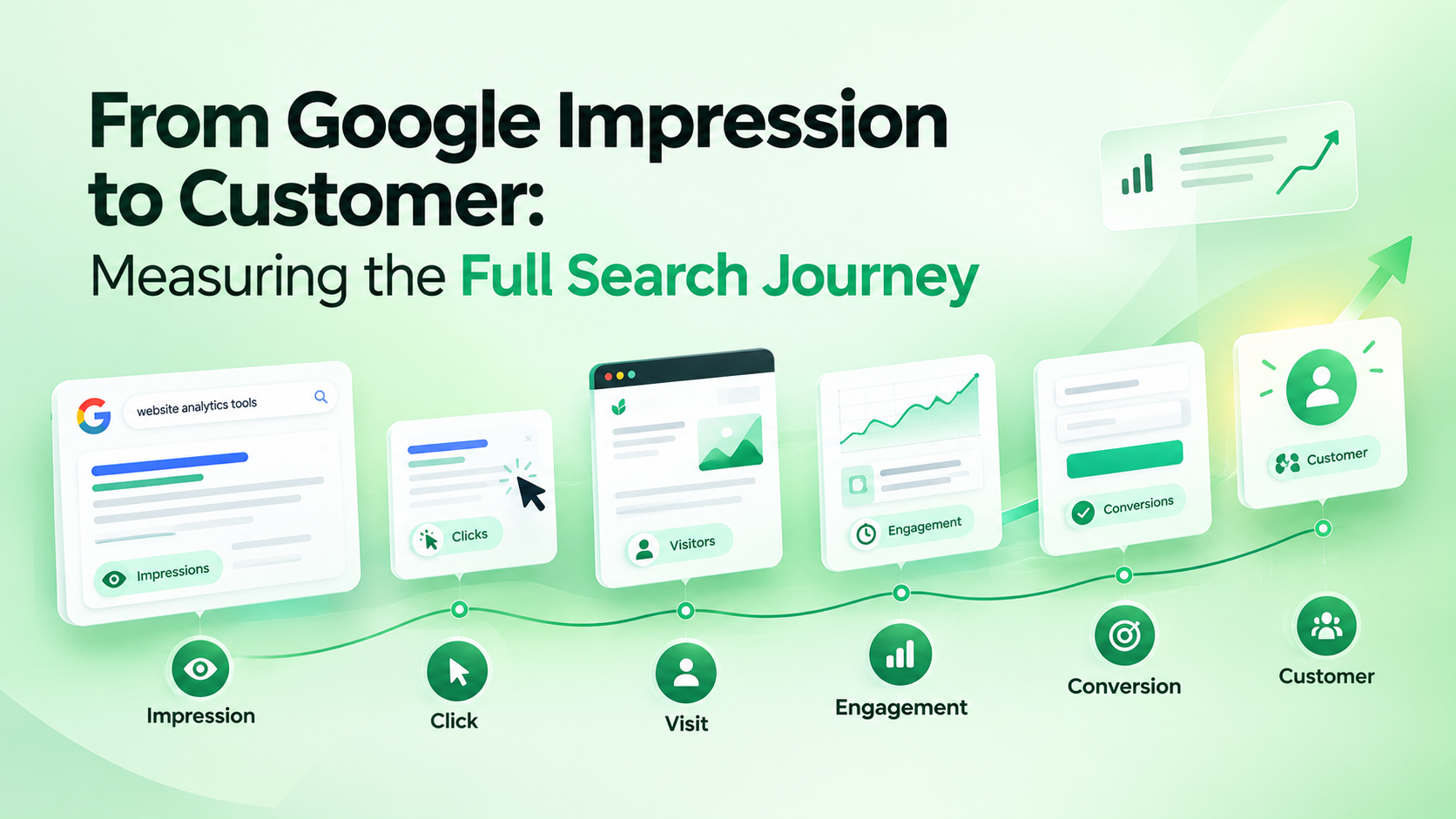
Google Search Console and website analytics answer different questions.
Search Console helps you understand what happens in Google Search. Website analytics helps you understand activity after visitors arrive on your website.
Consider this example:
A product documentation page receives 2,000 Google impressions and 80 clicks during a reporting period. Your website analytics shows 120 visits to the page.
These numbers do not have to match. Search Console clicks and analytics visits measure different things, and the analytics total may include traffic from sources other than Google.
Looking at both datasets helps you answer more meaningful questions:
Which pages attract search traffic and which attract visitors from other channels?
Are changes in Google clicks reflected in website activity?
Which landing pages deserve further investigation?
What happens after visitors arrive from search?
Do visitors continue to important product or signup pages?
This combined perspective helps teams move from reporting numbers to making better decisions.
Introducing Quantalog Search Visibility
Quantalog brings Google Search Console data into the same workspace as your website analytics.
Instead of switching between separate dashboards to understand search performance and visitor activity, you can review the two together and investigate what changed.
Explore the feature here: Quantalog Search Visibility.
Track search performance over time
Review clicks, impressions, CTR, and average position across available reporting periods.
Compare performance with previous periods to identify trends and investigate changes in organic search traffic.
Explore queries and pages
Examine the queries that bring your website into search results and the pages associated with those searches.
Use this information to identify relevant topics, investigate declining performance, and discover opportunities for content improvement.
Prioritize actionable SEO insights
Quantalog organizes search insights around practical opportunities, including queries close to page one, search listings with relatively weak CTR, and pages losing clicks.
These insights provide a starting point for deciding what to investigate first rather than requiring you to manually inspect every row of search data.
Check Google's indexing information
Inspect individual URLs to review available indexing information, including whether Google has indexed a page and details about its last crawl or reported indexing issues.
This can help you investigate why an important page is not appearing in search results.
Compare Google clicks with website visits
Review Google Search clicks alongside the visits Quantalog tracks for a page.
This makes it easier to understand how search activity relates to the traffic your website actually receives, while remembering that clicks and visits are different measurements.
Use Orbit AI to understand changes
Quantalog's Orbit AI can help interpret your connected Search Console data in plain language.
For example, you can ask which queries deserve attention first, why clicks may have declined, or which searches are close to page one.
The aim is to make search data easier to interpret and help you decide what to investigate next.
Get started with your Search Console data
Getting started involves three steps:
Sign in with the Google account that has access to your Search Console property.
Select the website property you want to analyze.
Review your search performance, queries, pages, insights, and available indexing information.
Quantalog uses read-only Google Search Console access for this integration. It does not change your Search Console settings or submit sitemaps on your behalf.
You can explore the feature and its available plan limits on the Search Visibility page.
Search Visibility Best Practices
To get more value from your search data, follow a consistent measurement process.
Establish a baseline. Record clicks, impressions, CTR, and average position before making significant SEO changes.
Compare equivalent periods. Use comparable date ranges and consider seasonality, changing demand, and reporting delays.
Segment your analysis. Review performance by page, query, country, and device instead of relying only on website-wide totals.
Prioritize by relevance. A query closely aligned with your product may be more valuable than a high-volume query that attracts the wrong audience.
Investigate before making changes. A ranking or click decline is a signal to examine, not proof of a particular SEO problem.
Track the impact of improvements. Record when changes go live and compare subsequent search performance. Remember that rankings and clicks can fluctuate for reasons unrelated to your changes.
Connect visibility with outcomes. Where your analytics setup supports it, examine how search visitors engage with your content and whether they complete important actions.
Frequently Asked Questions
What is search visibility in SEO?
Search visibility describes how prominently and frequently your website appears in search results for relevant queries. It can be assessed using impressions, clicks, CTR, average position, and related search performance data.
How can I check my website's Google search visibility?
Connect your verified website property to Google Search Console and open the Performance report. Review clicks, impressions, CTR, average position, queries, and pages. You can also use Quantalog Search Visibility to view Search Console data alongside your website analytics.
What is the difference between impressions and clicks?
Impressions measure appearances in Google Search under Google's reporting rules, while clicks measure how often users click your search results. Both metrics help explain how your website performs in search.
Does a higher average position always mean more traffic?
No. A higher ranking can improve opportunities for clicks, but actual traffic also depends on impressions, search demand, CTR, query relevance, and the search results page.
Can search visibility help improve SEO?
Yes. Search performance data can help you identify pages with low CTR, relevant queries with growth potential, declining organic clicks, and potential indexing issues. The data guides investigation, but improvements depend on the underlying causes and the actions taken.
Is Google Search Console enough for website analytics?
Search Console is useful for analyzing Google Search performance, but it is not a complete website analytics platform. Website analytics provides additional information about traffic sources and visitor activity after people arrive. Using both helps you understand more of the journey.
Conclusion: Turn Search Data Into Better Decisions
Search visibility is more than tracking rankings. It is about understanding how people discover your website, identifying which pages need attention, and measuring whether your SEO efforts are making a difference.
Google Search Console provides the search performance data. Website analytics adds context about what happens after visitors arrive. Together, they create a clearer foundation for prioritizing improvements.
Quantalog brings these insights together, helping you explore search queries, investigate changes in clicks, check indexing information, and connect Google Search activity with website traffic in one workspace.
Ready to understand your website's search performance?
Explore Quantalog Search Visibility and start turning search data into actionable SEO insights.