Google Search Console: A Practical Guide to Understanding Search Performance
Learn how to use Google Search Console to understand search performance, analyze clicks and impressions, find SEO opportunities, monitor indexing, and improve your website's visibility in Google Search.
Quantalog
10 min read
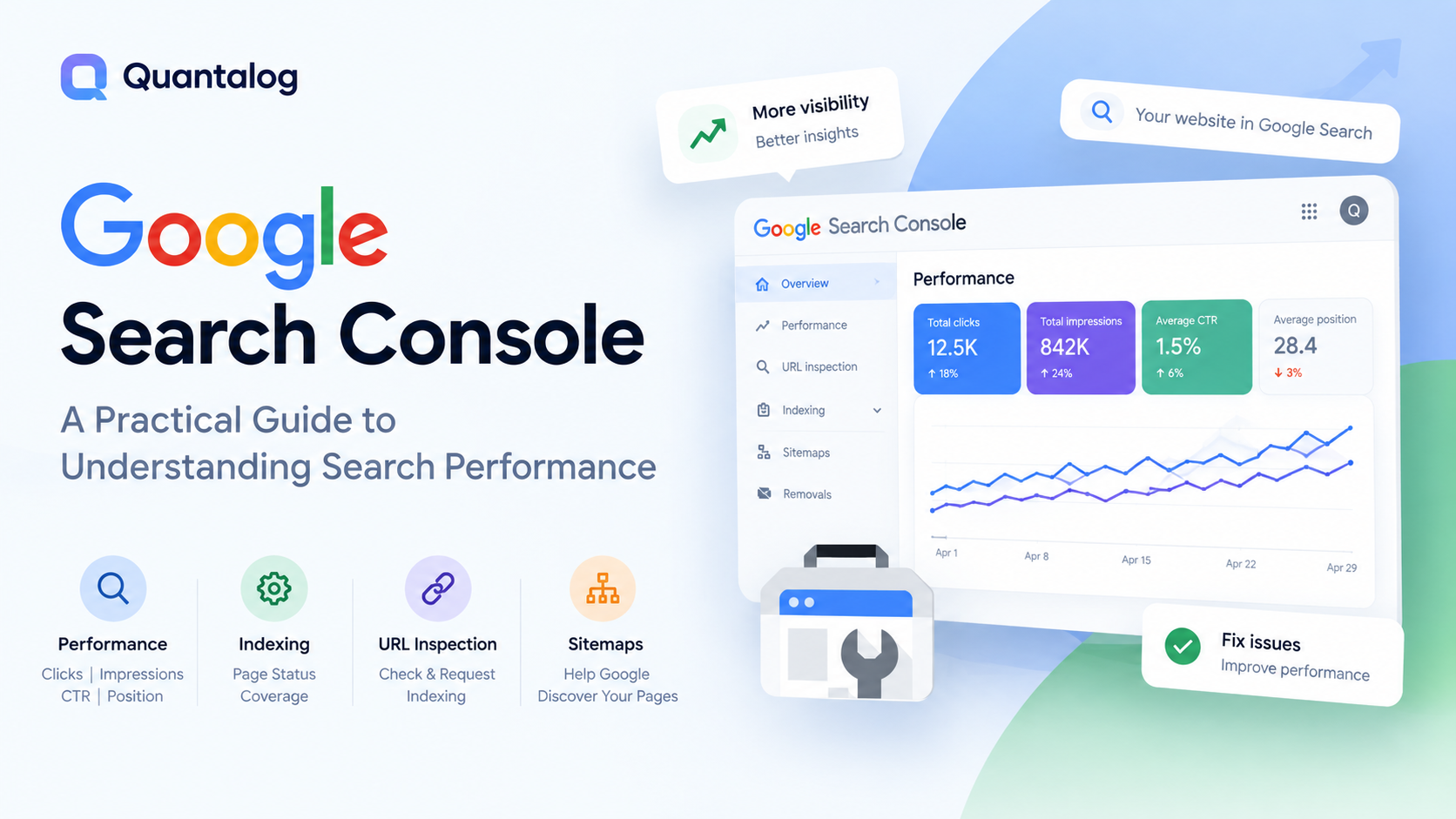
Google Search Console: A Practical Guide to Understanding Search Performance
Google Search Console is one of the most useful free tools for understanding how your website performs in Google Search.
It helps you see which search queries bring visibility to your website, which pages receive clicks, how often your pages appear in search results, and whether Google is experiencing problems crawling or indexing your content.
For SEO teams, marketers, developers, and website owners, Search Console provides valuable data for answering one important question:
How is my website actually performing in Google Search?
In this guide, we'll break down the most important Search Console reports, explain what the metrics mean, and show you how to turn the data into actionable SEO insights.
Key Takeaways
Clicks show how many visits your website receives from Google Search.
Impressions show how often your pages appear in search results.
CTR shows how frequently users click your result after seeing it.
Average position provides an overall view of where your pages appear in Search.
Queries reveal what people are searching for when your website appears.
Page indexing helps you understand which pages Google has discovered and indexed.
URL Inspection helps you investigate individual URLs.
Sitemaps can help Google discover the important URLs on your website.
What Is Google Search Console?
Google Search Console is a free service from Google that helps website owners monitor, maintain, and troubleshoot their presence in Google Search.
You can use it to understand how Google discovers your website, which pages are indexed, what search queries are generating visibility, and whether Google has identified technical issues affecting your pages.
Search Console can help answer questions such as:
Is Google finding my website?
Which pages are indexed?
Which search queries are generating impressions?
Which pages receive the most organic clicks?
How is my click-through rate changing?
Are important pages experiencing indexing problems?
Has Google detected security or spam issues?
Search Console doesn't guarantee that your website will rank or receive traffic. Instead, it gives you data and tools that help you understand what is happening in Google Search.
How Does Google Search Work?
Before diving into Search Console, it's useful to understand the basic journey a page takes before it can appear in Google Search.
1. Crawling
Google discovers URLs and accesses their content using automated crawlers.
Google can discover pages through links, sitemaps, and other known URLs.
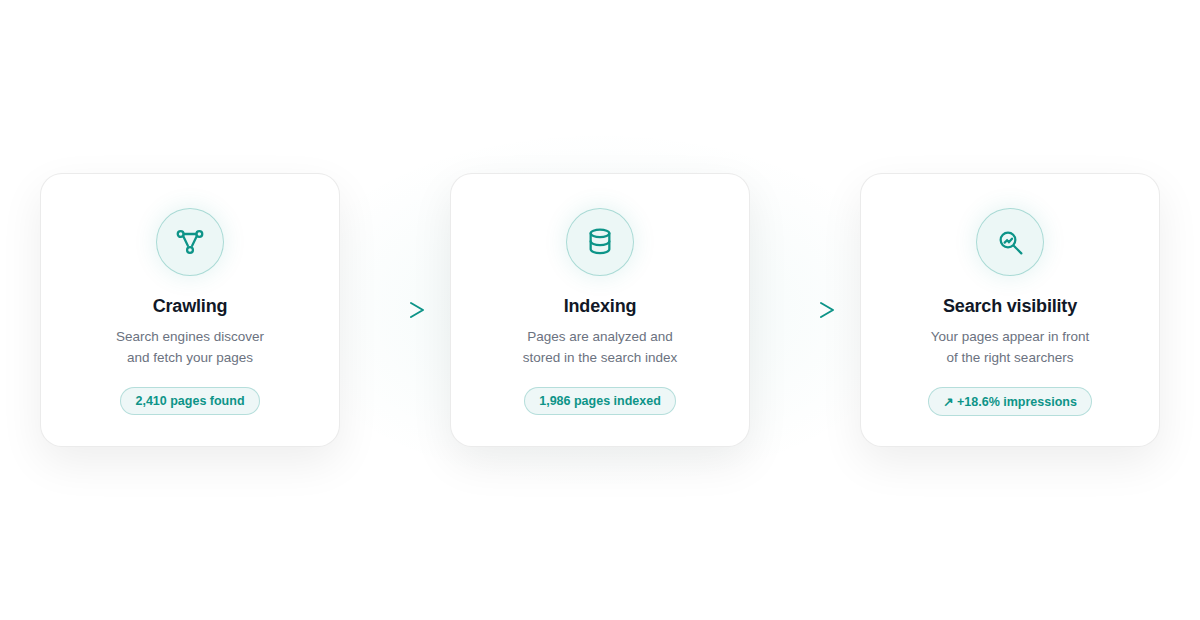
2. Indexing
After crawling a page, Google analyzes its content and decides whether the page should be stored in its search index.
Being crawled does not automatically mean that a page will be indexed.
3. Search Results
When a user performs a search, Google determines which indexed pages are relevant to the query and displays appropriate results.
Search Console gives you visibility into what happens during this process.
The Four Search Console Metrics You Should Understand
The Performance report contains several metrics, but four are particularly important when you're starting out.
Clicks
Clicks represent visits to your website from Google Search.
For example, if a page receives 1,000 clicks during a selected period, users clicked your search results 1,000 times during that period.
Clicks help you understand how much search traffic your website is receiving.
However, clicks alone don't tell the entire story.
A page might receive very few clicks while appearing thousands of times in search results.
That's where impressions become important.
Impressions
An impression represents an instance where your website's result was shown in Google Search.
For example:
20,000 impressions
and
400 clicks
means your website received significant visibility but only a portion of those impressions resulted in clicks.
This leads to another important metric: CTR.
Click-Through Rate
CTR, or click-through rate, measures how frequently users click your result after seeing it.
The basic calculation is:
CTR = Clicks ÷ Impressions × 100
For example:
400 clicks ÷ 20,000 impressions = 2% CTR
CTR can help you understand how effectively your search result attracts clicks.
However, CTR should always be interpreted in context.
Search intent, ranking position, query type, SERP features, and the type of content can all affect CTR.
Average Position
Search Console also provides an average position metric.
It's important not to treat this as a single fixed ranking for your entire website.
A website can appear in different positions for different queries, pages, devices, locations, and search contexts.
Instead of looking at average position alone, combine it with:
Queries
Pages
Impressions
Clicks
CTR
Together, these metrics provide a much clearer picture of search performance.
What Are People Searching For? The Queries Report
One of the most useful parts of Search Console is the Queries report.
It shows the search queries for which your website appeared in Google Search.
This can reveal something interesting:
What you think your website is about isn't always the same as what users are actually searching for.
For example, imagine you publish an article about technical SEO.
You might expect to receive impressions for:
"technical SEO guide"
But Search Console could also show queries such as:
technical SEO checklist
how to fix indexing problems
SEO technical audit
website indexing issues
technical SEO best practices
These additional queries can reveal opportunities for:
New content
Content updates
Internal linking
Topic expansion
New landing pages
Which Pages Are Performing? The Pages Report
The Pages report lets you analyze search performance at the URL level.
Instead of asking:
How is my website performing?
you can ask:
Which pages are responsible for that performance?
You might discover that:
One article generates most of your organic clicks.
Several pages receive thousands of impressions but very few clicks.
Some pages have strong CTR but limited visibility.
Important pages aren't receiving the visibility you expected.
Older content is losing impressions over time.
This is where Search Console becomes more than a reporting dashboard.
You can use the data to identify what needs attention.
How to Find SEO Opportunities in Search Console
Search Console data can reveal opportunities that aren't obvious from traditional keyword research.
Opportunity 1: High Impressions, Low Clicks
Imagine a page receives:
50,000 impressions
but only:
500 clicks
That's a 1% CTR.
This doesn't automatically mean there's a problem.
Instead, investigate the queries generating those impressions and look at the actual search results.
You can then evaluate:
Search intent
Page title
Meta description
Content relevance
Ranking position
SERP features
Competitor results
Opportunity 2: New Queries Appearing
A page may start receiving impressions for queries you never intentionally targeted.
This can tell you how Google is connecting your content with related topics.
For example:
Existing article:
"AI SEO Guide"
New queries:
AI search visibility
AI search optimization
generative engine optimization
AI search rankings
brand visibility in AI
These queries can become opportunities for:
New articles
Dedicated landing pages
Content expansions
Internal links
New topic clusters
Opportunity 3: High CTR but Low Impressions
A page might have a strong CTR but receive relatively few impressions.
In this situation, the problem may not be attracting clicks.
The bigger opportunity could be increasing the page's visibility for relevant searches.
You can investigate whether the page could cover additional relevant topics or search intents.
Page Indexing: Is Google Finding Your Pages?
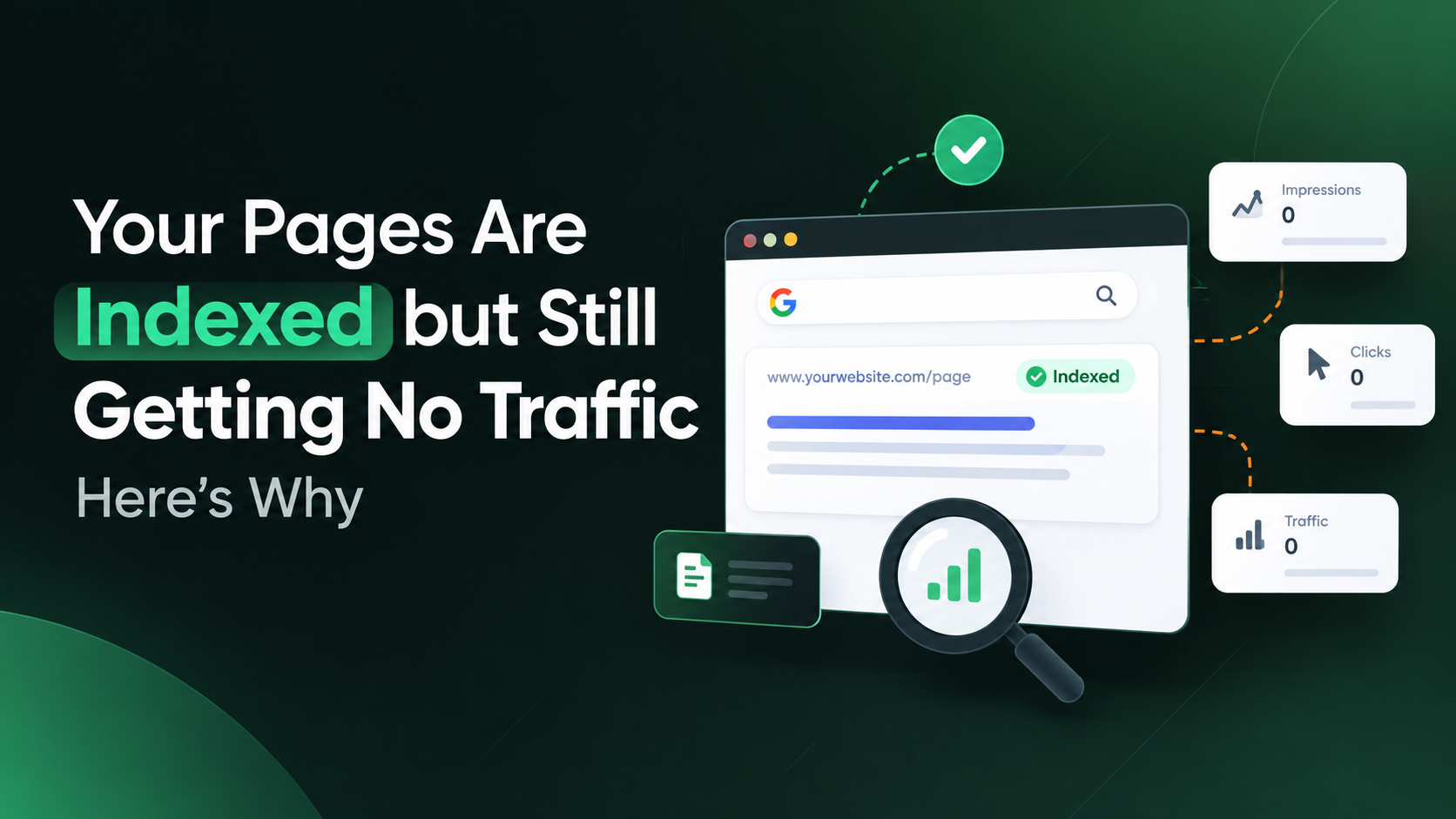
Creating a page doesn't automatically mean Google will index it.
Search Console's Page Indexing report helps you understand which pages Google has discovered and which pages are experiencing indexing issues.
You may encounter different indexing statuses, including pages that:
Are indexed
Are not indexed
Were discovered but not crawled
Were crawled but not indexed
Are excluded because of technical instructions
If an important page isn't indexed, improving its title or content won't solve the immediate problem.
First, understand why Google isn't indexing the page.
[Link: Google Page Indexing documentation]
URL Inspection: Investigate Any Page
Sometimes you don't want to analyze your entire website.
You want to understand one specific URL.
That's where URL Inspection becomes useful.
You can use URL Inspection to investigate whether Google has information about a particular URL and to test the current version of the page.
It's especially useful when:
A new page isn't appearing in Google.
You recently changed an important page.
You're investigating an indexing issue.
You've fixed a technical problem.
You want to request indexing for an individual URL.
[Link: Google URL Inspection Tool documentation]
Don't Ignore Sitemaps
A sitemap provides Google with information about the URLs you want it to know about on your website.
For larger websites, publishing and monitoring a sitemap can be an important part of technical SEO.
A sitemap does not guarantee that Google will index or rank every URL included in it.
Think of it as a way to help Google discover the pages that matter to your website.
[Link: Google Sitemap documentation]
How Often Should You Check Google Search Console?
You don't need to spend hours inside Search Console every day.
A consistent review process is more useful than constantly watching individual numbers.
Weekly
Check for major changes in:
Clicks
Impressions
Important pages
Indexing issues
Search performance
Monthly
Perform a deeper analysis of:
Top queries
Top pages
CTR opportunities
Search trends
New content
Indexing changes
Declining pages
After Major Website Changes
Check Search Console after:
Website migrations
URL changes
Major content updates
New site launches
Site architecture changes
Significant technical SEO changes
Google Search Console vs Google Analytics
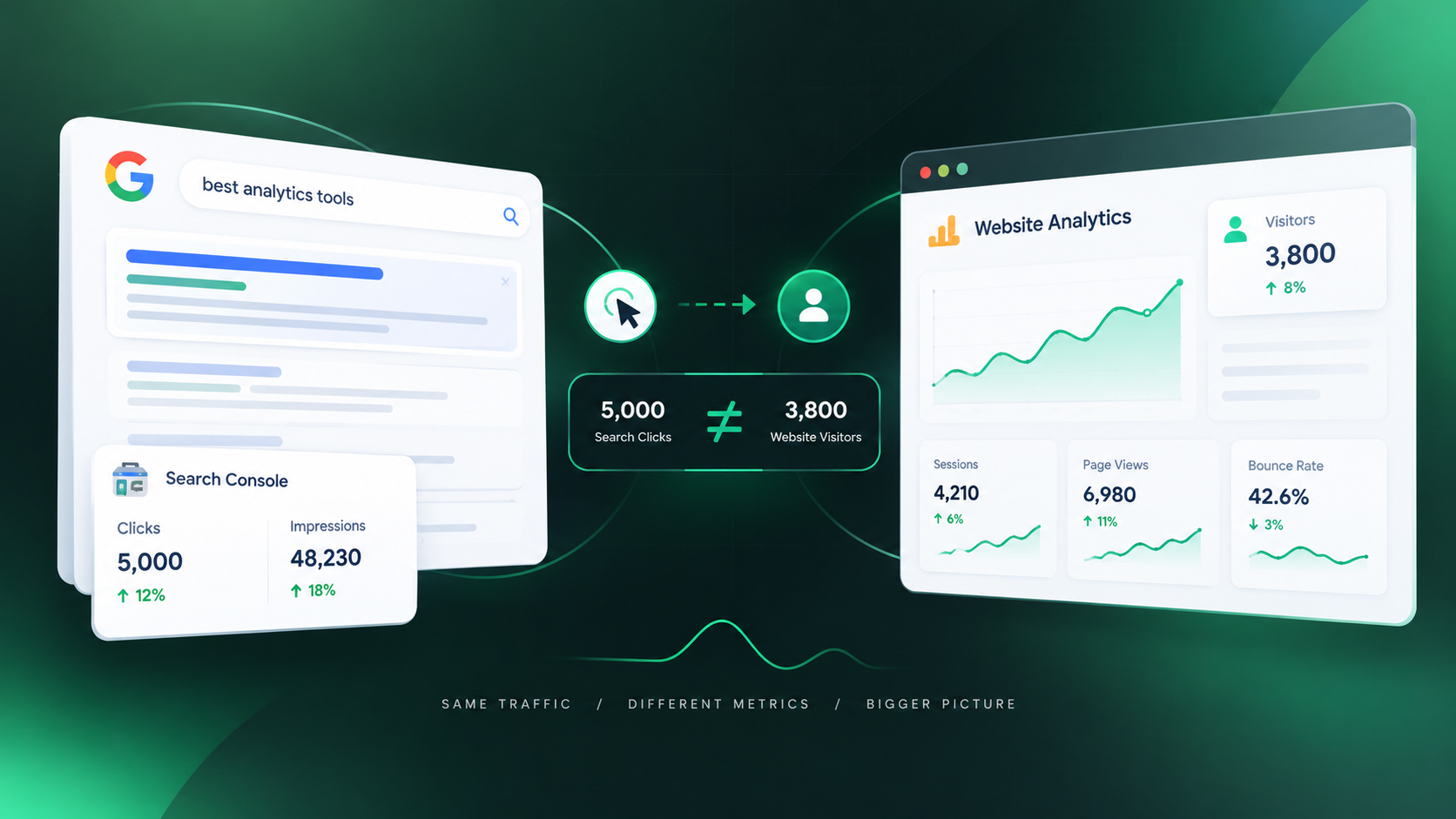
Search Console and Google Analytics answer different questions.
Google Search Console | Google Analytics |
|---|---|
How are we performing in Google Search? | What happens after users arrive? |
Search queries | User behavior |
Impressions | Sessions |
Search clicks | Engagement |
CTR | Conversions |
Average position | Events |
For example:
Search Console might show:
10,000 impressions → 500 clicks
Analytics can then help you understand what those 500 visitors did after reaching your website.
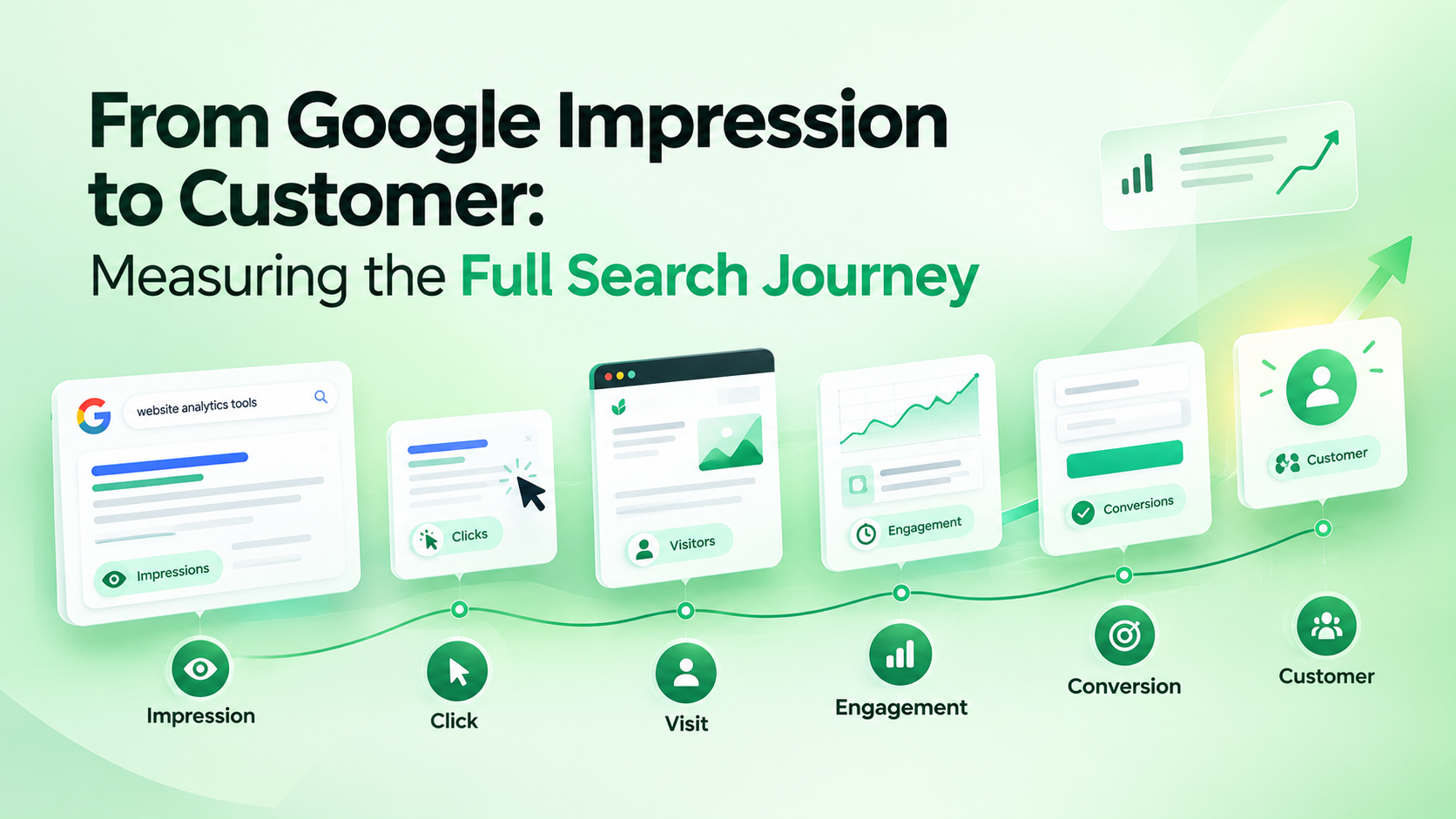
Using both tools gives you a better understanding of the journey from:
Search → Visit → Engagement → Conversion
Search Console in the Age of AI Search
Search behavior is evolving beyond traditional blue-link results.
Users are increasingly interacting with AI-powered search experiences, asking systems to summarize information, compare products, explain concepts, and recommend solutions.
This creates a broader question for SEO teams:
Is my website only visible in traditional search results, or is my brand also being discovered and represented across AI-powered search experiences?
Search Console remains an important source of traditional Google Search data.
But modern search visibility can extend beyond rankings and clicks.
This is where combining traditional SEO data with AI visibility monitoring can provide a broader picture of how a brand is discovered online.
A Simple Search Console Workflow
If you're new to Search Console, don't try to understand every report at once.
Start with this workflow:
Step 1: Check Performance
Review clicks, impressions, CTR, and position.
↓
Step 2: Analyze Queries
Find the searches generating visibility.
↓
Step 3: Analyze Pages
Identify which URLs are receiving that visibility.
↓
Step 4: Find Opportunities
Look for:
High impressions
Low CTR
New queries
Declining pages
Unexpected search terms
↓
Step 5: Check Indexing
Make sure important pages aren't experiencing indexing problems.
↓
Step 6: Inspect Important URLs
Use URL Inspection when investigating individual pages.
↓
Step 7: Monitor Changes
Track how your changes affect search performance over time.
Frequently Asked Questions
Is Google Search Console free?
Yes. Google Search Console is a free service provided by Google for website owners and people who manage websites.
Does Search Console improve rankings automatically?
No.
Search Console provides data and tools that help you understand and troubleshoot your presence in Google Search. It doesn't automatically optimize your website.
Does every website need Search Console?
Google can discover and rank websites without Search Console.
However, Search Console provides valuable information about search performance, indexing, and technical issues.
Can Search Console show keywords?
Search Console can show the search queries for which your website appeared in Google Search, along with associated performance data.
Can Search Console tell me why a page isn't indexed?
Search Console can provide information about indexing status and potential reasons why a URL isn't indexed.
How often should I check Search Console?
There isn't one schedule that works for every website.
A weekly health check combined with a deeper monthly analysis is a practical starting point for many websites.
Final Thoughts
Google Search Console is much more than a dashboard for checking rankings.
When used properly, it helps you understand:
How Google discovers your website.
What people search for.
Which pages receive visibility.
Where users click.
Which pages may have indexing problems.
Where new SEO opportunities are emerging.
The most important thing is to avoid looking at individual metrics in isolation.
A change in impressions, CTR, position, or clicks becomes much more useful when you connect it to the specific page, query, search intent, and changes happening across your website.
And as search continues to evolve, understanding where and how your brand is being discovered will become increasingly important.
Want to Go Beyond Traditional Search Visibility?
Google Search Console helps you understand how your website performs in Google Search.
But modern search visibility extends beyond traditional search results.
Quantalog helps you monitor how your brand appears across AI-powered search experiences, giving you another layer of visibility beyond traditional SEO metrics.
[Explore Quantalog →]
Sources & Further Reading
Google Search Console: Official Search Console documentation
Search Performance Report: Learn about clicks, impressions, CTR, and position
Page Indexing Report: Understand how Google indexes your pages
URL Inspection: Investigate individual URLs
Sitemaps: Learn how Google discovers website URLs