Google Analytics Alternatives for Small Businesses in 2026
Looking for Google Analytics alternatives? Compare privacy, simplicity, pricing, and features to find the right web analytics tool for your small business.

Quantalog
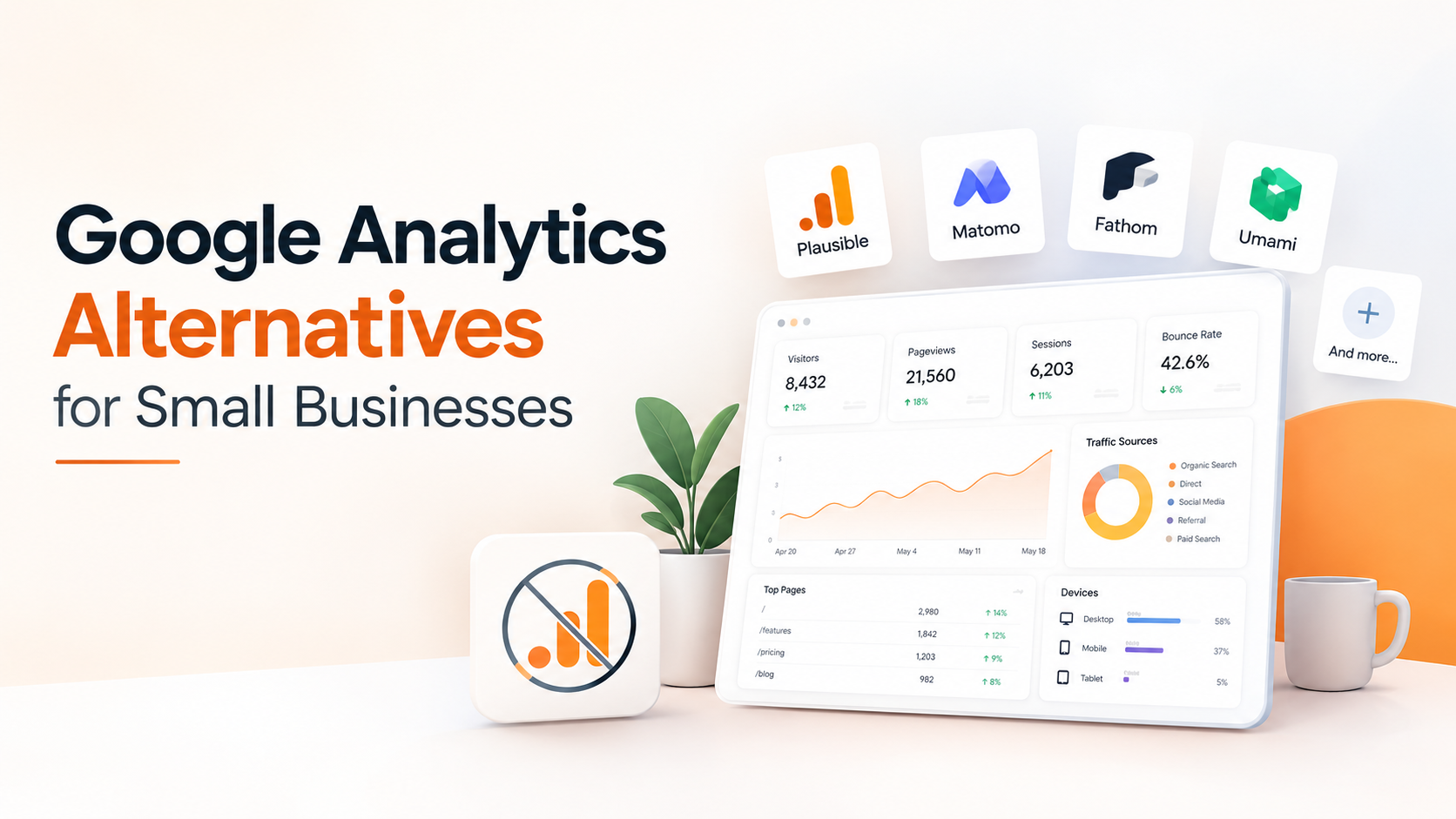
Google Analytics is one of the most widely known tools for understanding website traffic. But that doesn't automatically make it the right choice for every small business.
For a small business owner, startup, freelancer, or SaaS founder, website analytics often comes down to a few simple questions:
How many people visited my website? Where did they come from? Which pages did they view? And did they become a customer or lead?
When your analytics platform makes those questions harder to answer than they need to be, it may be time to look at alternatives.
In this guide, we'll look at some of the most useful Google Analytics alternatives for small businesses in 2026, what each type of platform is good at, and how to choose one based on your actual needs.
Why Look for a Google Analytics Alternative?
Google Analytics can provide a huge amount of data. That's useful for large websites and complex marketing operations, but smaller businesses don't always need hundreds of reports and dimensions.
There are several reasons a business might consider another analytics platform.
1. You want a simpler dashboard
If you're mainly interested in visitors, pageviews, traffic sources, popular pages, and conversions, a complicated analytics interface can create unnecessary friction.
A simpler analytics tool can make it easier to get answers without spending hours configuring reports.
2. You care about privacy
Website analytics often involves collecting information about visitors and their behavior.
Some businesses prefer an analytics solution designed around a more privacy-conscious approach, particularly when they want to minimize cookies or unnecessary visitor tracking.
3. You want analytics designed for your business
A small SaaS company doesn't necessarily need the same analytics setup as a multinational ecommerce company.
You may simply want to understand:
Which landing page gets the most visitors?
Which marketing campaign sends traffic?
Where are visitors coming from?
Which pages generate leads?
Which devices do visitors use?
Are people actually interacting with the website?
The best analytics platform is often the one that makes these answers easy to find.
Best Google Analytics Alternatives for Small Businesses
There isn't one perfect analytics platform for every business. Different tools focus on different priorities.
Here are some of the options worth considering.
1. Quantalog
Best for: Small businesses, SaaS websites, developers, and teams that want simple website analytics plus lead tracking.
Quantalog is designed to combine website analytics with practical tools for understanding visitors and generating leads.
Instead of overwhelming you with every possible analytics dimension, Quantalog focuses on metrics that website owners can actually use.
You can track things such as:
Visitors
Pageviews
Sessions
Bounce rate
Devices
Countries
Traffic sources
UTM campaigns
Website forms and leads
SEO-related data
Shared analytics dashboards
Scheduled reports
One useful part of the workflow is that analytics and lead-generation functionality can live alongside each other.
For example, imagine you run a SaaS landing page.
You could discover that a particular page receives 1,000 visitors but generates very few leads. Instead of looking only at traffic numbers, you can use that information to investigate the page and improve the form, messaging, or call to action.
Best suited for: businesses that want a straightforward analytics dashboard without building an overly complicated analytics setup.
2. Plausible Analytics
Best for: Lightweight, privacy-focused website analytics.
Plausible is known for keeping its analytics interface relatively simple.
Instead of presenting users with an enormous number of reports, it focuses on the metrics most website owners commonly need.
It's particularly interesting for developers, bloggers, SaaS companies, and businesses that want a lightweight analytics solution.
3. Matomo
Best for: Businesses that want extensive analytics functionality and more control over their data.
Matomo is a well-established analytics platform with a broad range of capabilities.
It can be useful when you need more advanced analytics features but also want greater control over how your analytics infrastructure and data are managed.
For businesses with more sophisticated analytics requirements, Matomo can be worth evaluating.
4. Fathom Analytics
Best for: Businesses looking for straightforward website analytics with a privacy-focused approach.
Fathom focuses heavily on making website analytics simple to understand.
It's particularly appealing if your primary goal is to see what's happening on your website without dealing with an overly complicated reporting interface.
5. Umami
Best for: Developers and businesses interested in open-source analytics.
Umami is an open-source web analytics platform that provides a simpler alternative to traditional analytics systems.
It's particularly interesting for developers who want more control over their analytics setup or prefer self-hosted software.
Google Analytics vs. Alternatives: What Should You Compare?
Instead of asking which analytics platform is universally the "best," compare the features that matter to your business.
Feature | What to consider |
|---|---|
Ease of use | Can you understand your traffic without training? |
Privacy | What visitor information does the platform collect? |
Traffic analytics | Can you track visitors, sessions, and pageviews? |
Traffic sources | Can you understand where visitors came from? |
UTM tracking | Can you measure campaigns? |
Conversion tracking | Can you connect traffic with business outcomes? |
Forms | Can you track leads and submissions? |
SEO | Can you understand organic search performance? |
Reports | Can you receive analytics reports automatically? |
Sharing | Can you share dashboards with clients or teammates? |
Pricing | Does the cost make sense as your traffic grows? |
The important thing is not to choose a tool because it has the longest feature list.
Choose one that gives you the information you actually need.
What Analytics Does a Small Business Actually Need?
You don't need to track everything.
For many small businesses, a relatively small set of metrics can answer most important questions.
Visitors
How many people are coming to your website?
This gives you a basic understanding of your website's reach.
Sessions
How often are people visiting?
Sessions provide useful context around visitor activity and can help you understand how people interact with your site.
Pageviews
Which pages are people viewing?
Your most visited pages can reveal what content or products attract attention.
Traffic Sources
Where are visitors coming from?
For example:
Google
Social media
Direct traffic
Referral websites
Email campaigns
Paid advertising
Knowing the source of your visitors helps you understand which marketing activities are generating attention.
UTM Campaigns
UTM parameters can help you distinguish traffic from different campaigns.
For example:
utm_source=linkedin
utm_medium=social
utm_campaign=product_launch
This allows you to understand which campaigns are bringing visitors to your website.
Conversions
Traffic isn't the final goal for most businesses.
You might want visitors to:
Submit a contact form
Request a demo
Sign up
Purchase a product
Download a resource
Subscribe to a newsletter
Connecting analytics with these actions gives your traffic numbers more business context.
Simple Analytics Can Be More Useful Than More Analytics
Imagine two dashboards.
The first contains hundreds of reports, filters, dimensions, and configuration options.
The second immediately shows:
Visitors → Traffic sources → Popular pages → Leads → Conversions
For a small business owner, the second dashboard may actually be more useful.
That's because analytics isn't valuable simply because it produces more data.
It's valuable when the data helps you make a better decision.
If your website gets 5,000 visitors but you don't know which pages generate leads, the traffic number alone doesn't tell you much.
How to Choose the Right Google Analytics Alternative
Before switching platforms, ask yourself these questions.
Do you need advanced analytics?
If you're running a large ecommerce operation or complex marketing program, advanced analytics capabilities may be important.
If you're running a small business website, a simpler platform may be enough.
Is privacy important to your business?
Look at how each platform handles visitor information, cookies, identifiers, and data storage.
Don't assume that every analytics platform works the same way.
Do you need lead tracking?
If generating leads is a major purpose of your website, consider an analytics solution that works well with forms and conversion tracking.
Do you need client or team reporting?
Agencies and SaaS teams may need shareable dashboards or scheduled reports.
This can save time compared with manually exporting analytics every week.
How much time do you want to spend configuring analytics?
A technically powerful analytics platform can still be a poor fit if nobody on your team has time to configure and maintain it.
When Should You Switch From Google Analytics?
You don't necessarily need to replace Google Analytics.
In some businesses, it may continue to be the right choice.
But an alternative may make sense if:
Your current dashboard feels unnecessarily complicated.
You mainly need basic website metrics.
You want a more privacy-conscious analytics approach.
You need simpler reporting.
You want analytics and lead forms closer together.
Your team spends too much time creating reports.
You want a simpler experience for clients or non-technical teammates.
The decision should be based on what your business needs rather than simply following a trend.
Final Thoughts
Google Analytics remains a powerful analytics platform, but small businesses don't always need maximum complexity.
The right analytics solution should help you answer practical questions:
Who is visiting my website?
Where are they coming from?
What are they interested in?
Which pages are working?
Are visitors becoming leads or customers?
If your current analytics setup makes those questions difficult to answer, exploring alternatives can be worthwhile.
For businesses looking for a simpler combination of website analytics, lead forms, SEO insights, dashboards, and reporting, Quantalog is one option worth exploring.
The goal isn't to collect more data.
The goal is to turn website data into better decisions.
Try Quantalog on your own site
One script tag, no cookies, live numbers in about three seconds. Free forever on the Hobby plan.
Start freeKeep reading
AI Overviews Are Changing SEO: How to Track AI Search Traffic
Learn how Google AI Overviews and AI Mode are changing SEO, how to measure AI Search visibility, and how to track visitors and conversions.
10 Website Metrics Every SaaS Founder Should Track in 2026
Learn the 10 website metrics every SaaS founder should track, from visitors and traffic sources to conversions, forms, devices, and UTM campaigns.