AI Overviews Are Changing SEO: How to Track AI Search Traffic
Learn how Google AI Overviews and AI Mode are changing SEO, how to measure AI Search visibility, and how to track visitors and conversions.

Quantalog
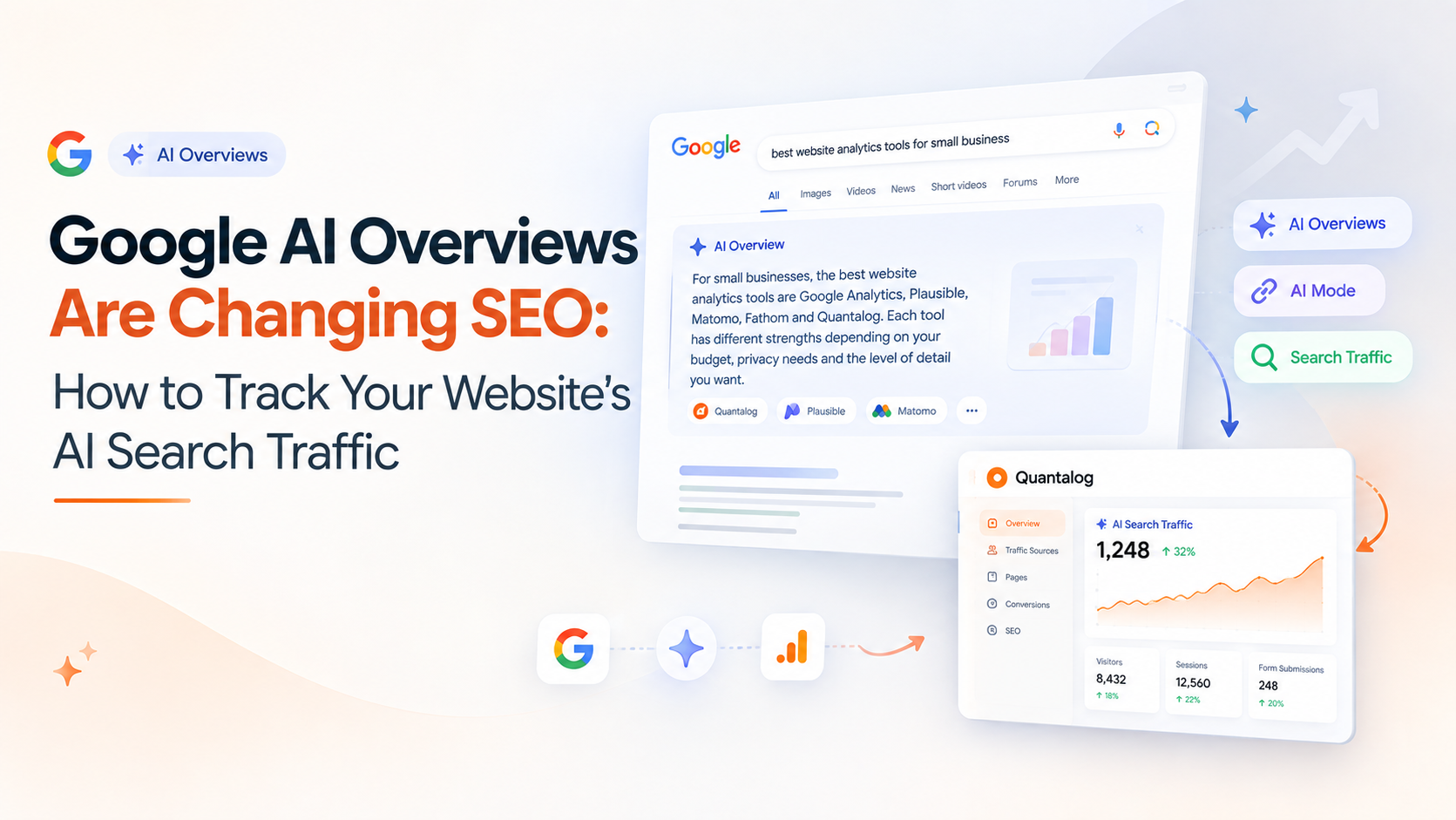
Google Search is changing.
Instead of always showing a traditional list of blue links, Google increasingly answers questions directly through AI Overviews and AI Mode.
For website owners, SaaS founders, marketers, and SEO professionals, this creates a new question:
If someone discovers my website through Google's AI-powered Search, how do I know it happened?
The answer isn't simply to track your traditional organic traffic.
You now need to understand how your website appears in AI-powered search experiences, how those appearances translate into clicks, and what visitors do after reaching your website.
Let's break it down.
What Are Google AI Overviews?
Google AI Overviews are AI-generated summaries that can appear at the top of Search results for certain queries.
Instead of requiring users to open several websites and combine the information themselves, Google can provide a summarized response with links to supporting web pages.
AI Mode takes this further by providing a more conversational search experience where users can ask follow-up questions and explore a topic through multiple interactions.
Google says AI Overviews now have more than 2.5 billion monthly active users, while AI Mode has surpassed 1 billion monthly users globally. Google also says AI Mode queries have more than doubled every quarter since its launch.
That makes AI-powered Search something website owners can no longer treat as a niche experiment.
Why AI Search Matters for SEO
Traditional SEO generally focuses on getting your pages to appear in Google's search results and generating clicks.
AI Search adds another layer.
A user might search:
"What are the best website analytics tools for a small SaaS company?"
Instead of immediately seeing a list of websites, they might first receive an AI-generated response that summarizes several options and provides links to relevant sources.
Your website could potentially be used as a source within that experience.
That means there are now several stages worth thinking about:
Search query
↓
AI Overview / AI Mode
↓
Website appears as a source
↓
User clicks
↓
Visitor arrives on your website
↓
Visitor engages or converts
SEO is increasingly about understanding this entire journey.
Is Traditional SEO Still Important?
Yes.
This is an important point because AI Search doesn't mean traditional SEO has suddenly disappeared.
Google's own documentation says its generative AI Search experiences are grounded in its existing Search systems and that foundational SEO practices remain relevant. Google specifically recommends focusing on useful, unique, people-first content rather than trying to manipulate AI responses with artificial optimization techniques.
In other words:
Don't abandon SEO because AI Search exists.
Instead, think about how your existing SEO strategy can support visibility across both traditional and AI-powered Search.
How Does Google AI Search Choose Information?
Google's documentation explains that AI Search can use techniques such as retrieval-augmented generation (RAG) to retrieve relevant pages from Google's Search index and use them to help generate responses.
Google also describes a process called query fan-out, where related searches can be generated to gather information from multiple areas of the web.
This has an important implication for website owners.
Your page doesn't necessarily need to exactly match the user's original wording.
What matters is whether your content provides useful, relevant information that can help answer the underlying question.
That's another reason why creating genuinely useful content is more sustainable than simply producing hundreds of pages targeting slightly different keyword variations.
What Is AI Search Traffic?
AI search traffic is website traffic that originates from an AI-powered search experience.
For example, a visitor might discover your website through:
Google AI Overviews
Google AI Mode
ChatGPT
Gemini
Other AI-powered discovery experiences
However, there is an important distinction between AI visibility and AI traffic.
Your website might appear as a source in an AI response without receiving a click.
So you should think about two separate questions:
1. Did my website appear?
This measures visibility.
2. Did someone actually visit?
This measures traffic.
And there's a third question that matters even more:
3. Did that visitor do something valuable?
This measures business impact.
How to Track Google AI Search Visibility
Google has introduced a Generative AI performance report in Search Console to help website owners understand how their content performs in generative AI features in Google Search.
Google says the report provides insights such as impressions and information about which pages appear in AI responses and in which countries. Google also says these features have been rolled out globally.
This gives website owners a new way to investigate AI-search visibility.
Instead of asking only:
"What is my Google ranking?"
you can start asking:
"Which pages are appearing in Google's generative AI experiences?"
Track More Than Impressions
Seeing your website appear in an AI response is useful, but impressions alone don't tell you whether your website is producing business results.
You should connect AI-search visibility with your normal website analytics.
For example:
Metric | What it tells you |
|---|---|
AI Search impressions | How often your content appears in generative AI Search |
Clicks | How many users visit your website |
Landing pages | Which pages receive that traffic |
Sessions | How visitors interact with your website |
Engagement | Whether visitors stay and explore |
Forms | Whether visitors become leads |
Signups | Whether visitors become users |
Conversions | Whether traffic produces business value |
This is where SEO and analytics start working together.
A Simple Example
Imagine you publish an article called:
"Google Analytics Alternatives for Small Businesses"
After several weeks, you notice that the article starts appearing in AI-powered Search experiences.
Your Search Console data shows increasing visibility.
But what happens next?
Your website analytics might show:
AI Search visibility ↑
Website visitors ↑
Pricing-page visits ↑
Form submissions ↑
Now you have something much more valuable than an AI-search impression.
You have a measurable journey from discovery to conversion.
How to Track AI Traffic in Your Website Analytics
The first step is to monitor your referral and acquisition data.
Depending on the analytics platform you're using, look for traffic sources that indicate visits originating from search engines or AI services.
You can then compare:
Organic search traffic
AI-related referral traffic
Direct traffic
Social traffic
Referral traffic
Campaign traffic
The goal isn't necessarily to create a completely separate analytics system for every source.
The goal is to understand how different discovery channels contribute to website activity.
Track the Landing Pages
Once you identify AI-related traffic, look at the pages visitors land on.
For example:
Landing page | Visitors | Leads |
|---|---|---|
/blog/analytics-guide | 1,240 | 38 |
/features | 620 | 52 |
/pricing | 410 | 71 |
/blog/seo-guide | 890 | 19 |
This immediately gives you more context.
A blog post might attract a large amount of AI-search traffic, while a pricing page might convert a much larger percentage of visitors.
That means you shouldn't judge AI-search success using traffic alone.
Track What Visitors Do After They Arrive
This is one of the most important parts.
Imagine someone discovers your SaaS through an AI-generated search result.
They click your article.
What happens next?
Do they:
Read another article?
Visit your product page?
Check pricing?
Submit a form?
Start a free trial?
Leave immediately?
Your analytics should help answer these questions.
The real value of AI-search traffic isn't simply how many people arrive.
It's what those visitors do after arriving.
AI Search Makes Content Quality More Important
Google's current guidance emphasizes creating content that is helpful, reliable, unique, and designed for people rather than attempting to manipulate generative AI results.
That means a sustainable AI-search strategy looks less like:
"How many AI-specific keywords can I add?"
and more like:
"Can my article provide the best useful answer to this question?"
Good content should:
Answer the actual question
Provide useful examples
Explain concepts clearly
Include original insights where possible
Use accurate information
Be easy to navigate
Link to relevant resources
Help readers take the next step
You don't need to completely reinvent SEO for AI Search.
You need to make your existing SEO strategy more useful.
Don't Chase "AI SEO Hacks"
As AI Search has grown, a lot of new terminology has appeared around concepts such as AEO and GEO.
These terms can be useful when discussing AI-search visibility, but Google explicitly says that, from its perspective, optimizing for generative AI Search is still part of optimizing for Search.
Google also advises against tactics such as creating unnecessary content variations simply to target every possible AI-generated query.
So instead of chasing every new "AI SEO hack," focus on fundamentals:
Useful content + strong technical SEO + clear website structure + trustworthy information + good user experience.
How Quantalog Can Help You Connect Search and Website Analytics
Quantalog can be useful for the part of the journey that happens after someone reaches your website.
You can monitor website metrics such as:
Visitors
Pageviews
Sessions
Traffic sources
UTM campaigns
Bounce rate
Devices
Countries
Popular pages
Form submissions
SEO-related data
Shared dashboards
Scheduled reports
For example, Search Console can help you understand your visibility in Google's Search ecosystem, while website analytics can help you understand what visitors do once they arrive.
That creates a useful workflow:
Google Search Console
→ Search visibility
→ AI Search visibility
↓
Quantalog
→ Website visitors
→ Visitor behavior
→ Pages
→ Leads
→ Conversions
The Metrics You Should Watch
If you're actively working on AI-search visibility, start with a small set of metrics.
Search visibility
AI-search impressions
Search impressions
Search clicks
Queries
Pages appearing in AI responses
Website analytics
Visitors
Sessions
Landing pages
Traffic sources
Engagement
Device breakdown
Business results
Form submissions
Signups
Demo requests
Purchases
Conversion rate
This gives you a complete picture:
Did people discover us?
↓
Did they visit us?
↓
Did they engage?
↓
Did they convert?
The Future of SEO Is Becoming More Measurable
AI Search isn't eliminating SEO.
It's changing the way people discover information and giving website owners more things to measure.
Google says AI-powered Search is driving more Search usage, while AI Mode queries are becoming longer and more conversational.
For website owners, this means the old question:
"What position does my website rank at?"
is becoming only one part of the picture.
You also need to understand:
Where does my content appear?
How does AI-powered Search surface it?
Do people click through?
Which pages do they visit?
Do those visitors become customers?
That's the real opportunity.
Final Thoughts
Google AI Overviews and AI Mode are changing how people interact with Search, but the fundamentals of good SEO haven't disappeared.
If anything, understanding your visitors has become more important.
Don't focus only on whether your content appears in an AI response.
Track the entire journey:
AI Search → Website Visit → Engagement → Lead → Conversion
Use Google Search Console to understand your Search visibility, and use your website analytics to understand what happens after visitors arrive.
Because ultimately, being visible is only the beginning.
The real goal is turning that visibility into meaningful website activity and business results.
Try Quantalog on your own site
One script tag, no cookies, live numbers in about three seconds. Free forever on the Hobby plan.
Start freeKeep reading
10 Website Metrics Every SaaS Founder Should Track in 2026
Learn the 10 website metrics every SaaS founder should track, from visitors and traffic sources to conversions, forms, devices, and UTM campaigns.
Google Analytics Alternatives for Small Businesses in 2026
Looking for Google Analytics alternatives? Compare privacy, simplicity, pricing, and features to find the right web analytics tool for your small business.